Opti Software Requires a Brain Sensing Device to Use
All Opti Apps (Opti Brain and Opti Train) require the use of a brain sensing device to use. Pictured below are all the headsets the Opti Apps are compatible with: Muse, Muse 2, Muse S, and Smith Lowdown Focus Glasses.
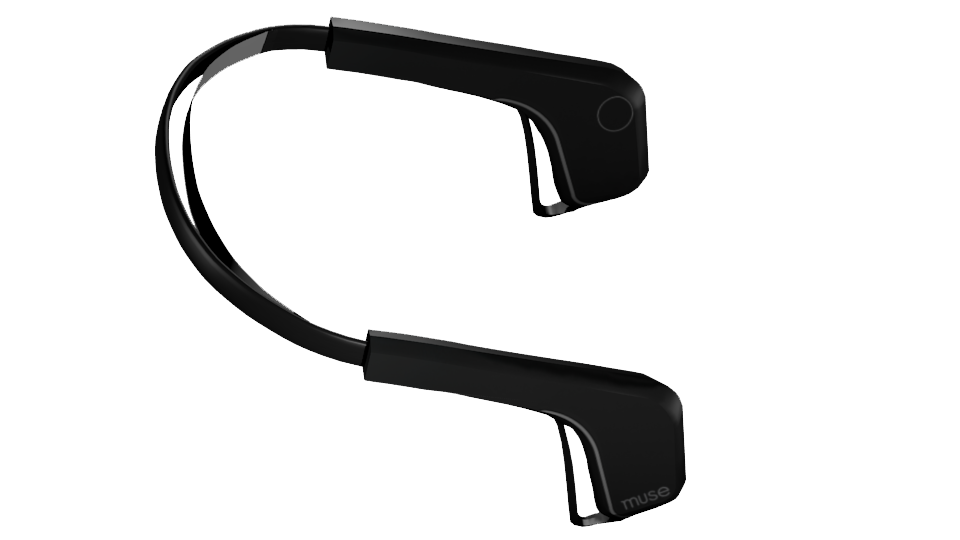
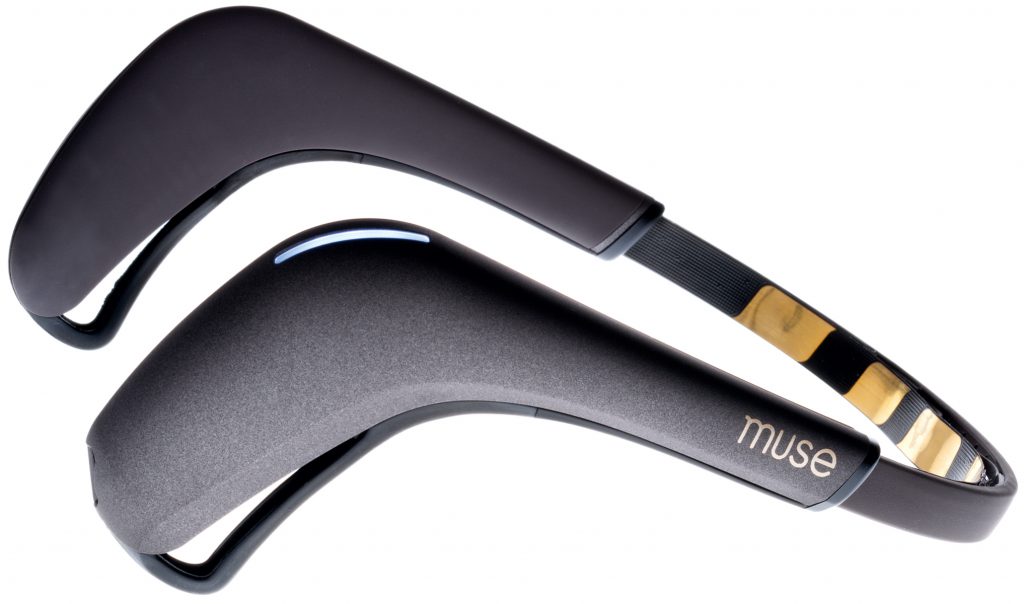
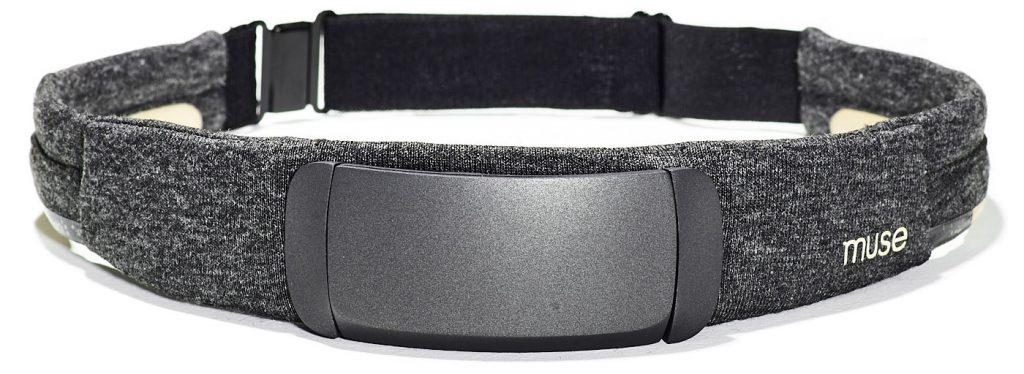
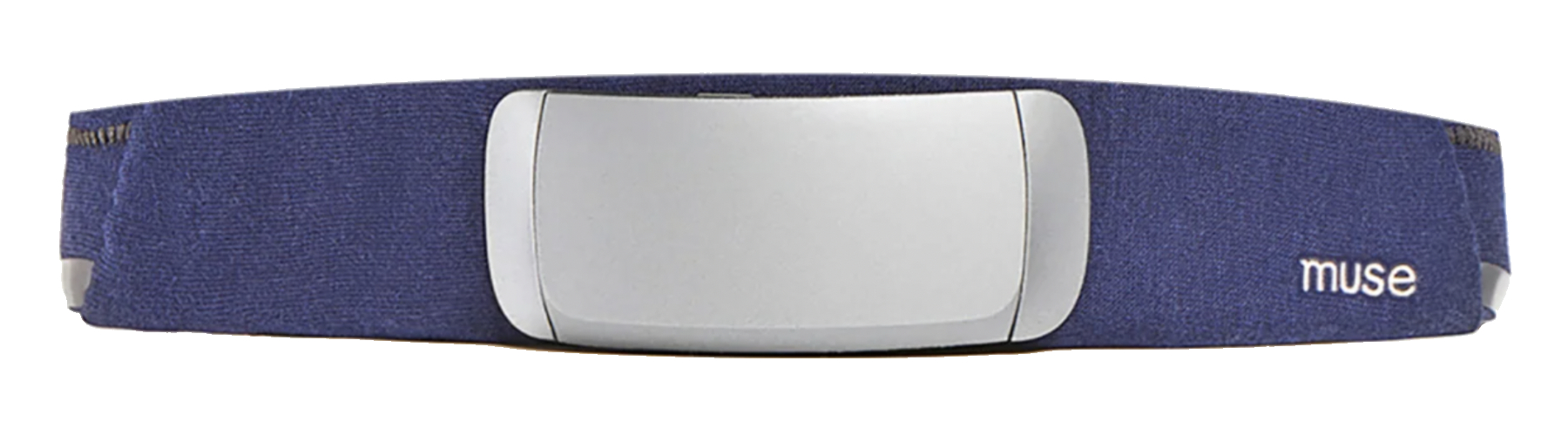
If you do not have a device already to use with the software, Muse 2 Brain Sensing Headsets are available to purchase in our shop:
If you already own a compatible device you can simply purchase a Software Subscription to get started with the apps!
Downloading the Apps
Once you have a brain sensing device and an Opti Software Subscription to use the apps you will need to download them from the apps store.
iOS App Store
Opti Train and Opti Brain are available through Apple’s iOS App Store and the Google Play Store. Click the image below to download an app:




Logging Into Opti Apps
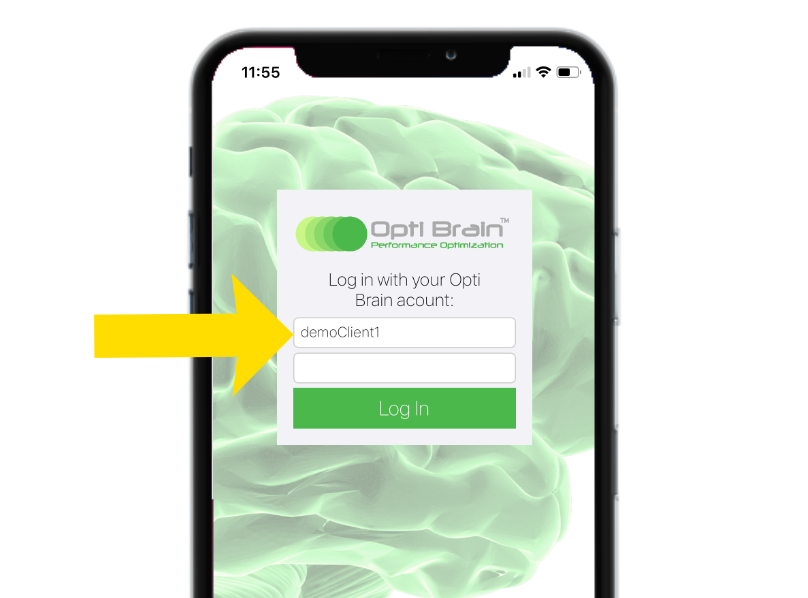
After you have successfully downloaded the Opti apps from the app store, simply open them on your device and login with the Username and Password you set up when you purchased your Opti Subscription. If you need help recovering your your password follow this link or email aaron@myoptibrain.com.